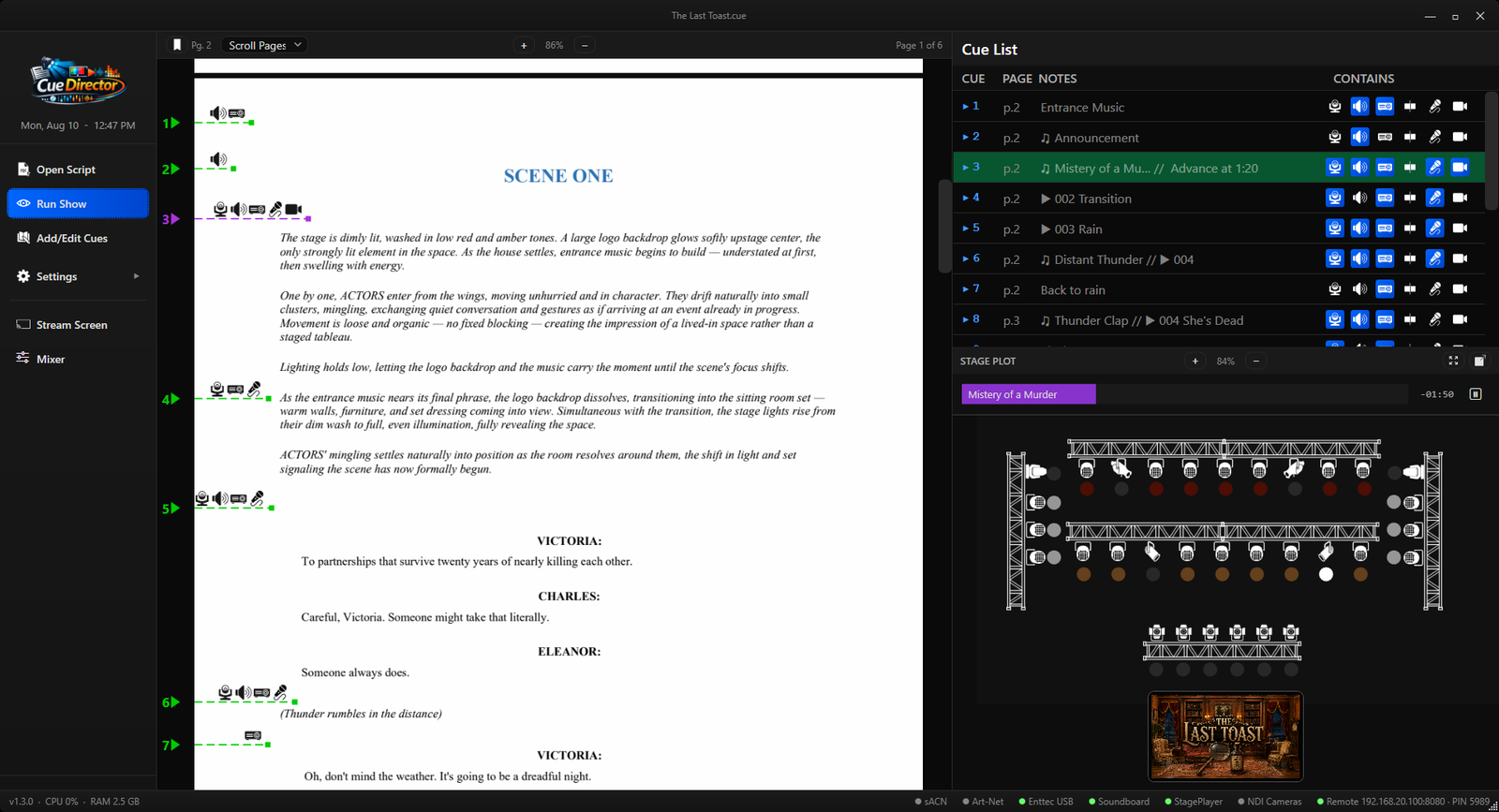
Script View
Innovative Script View
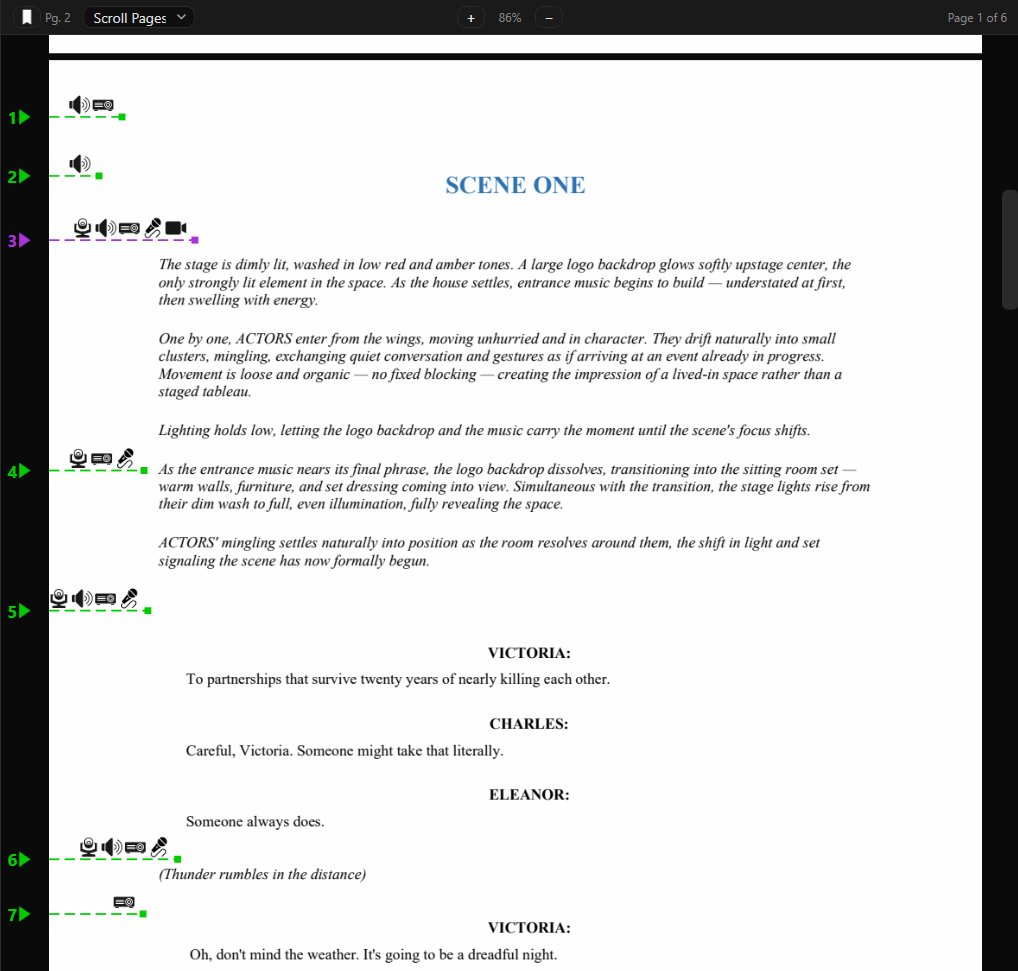
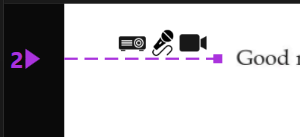
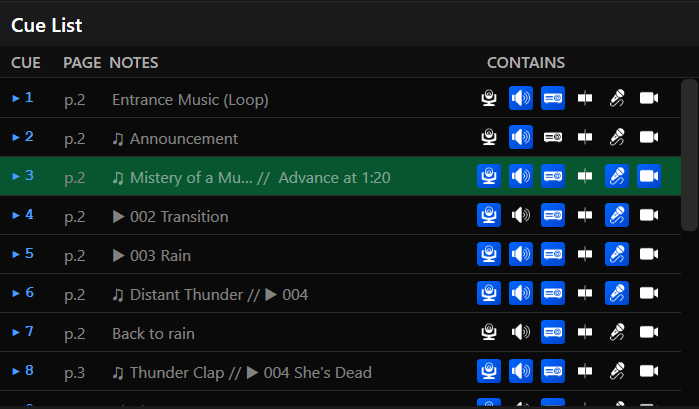
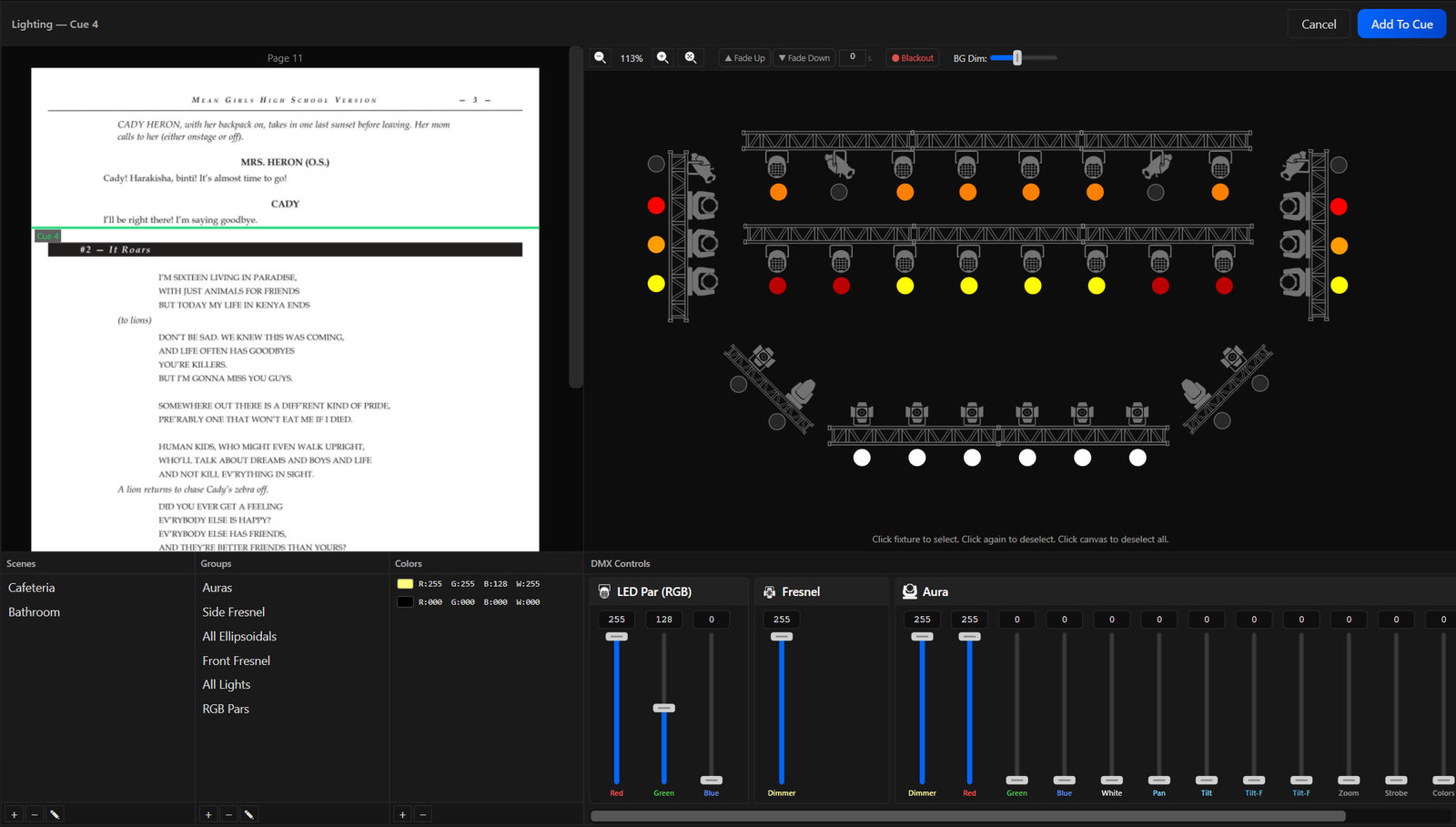
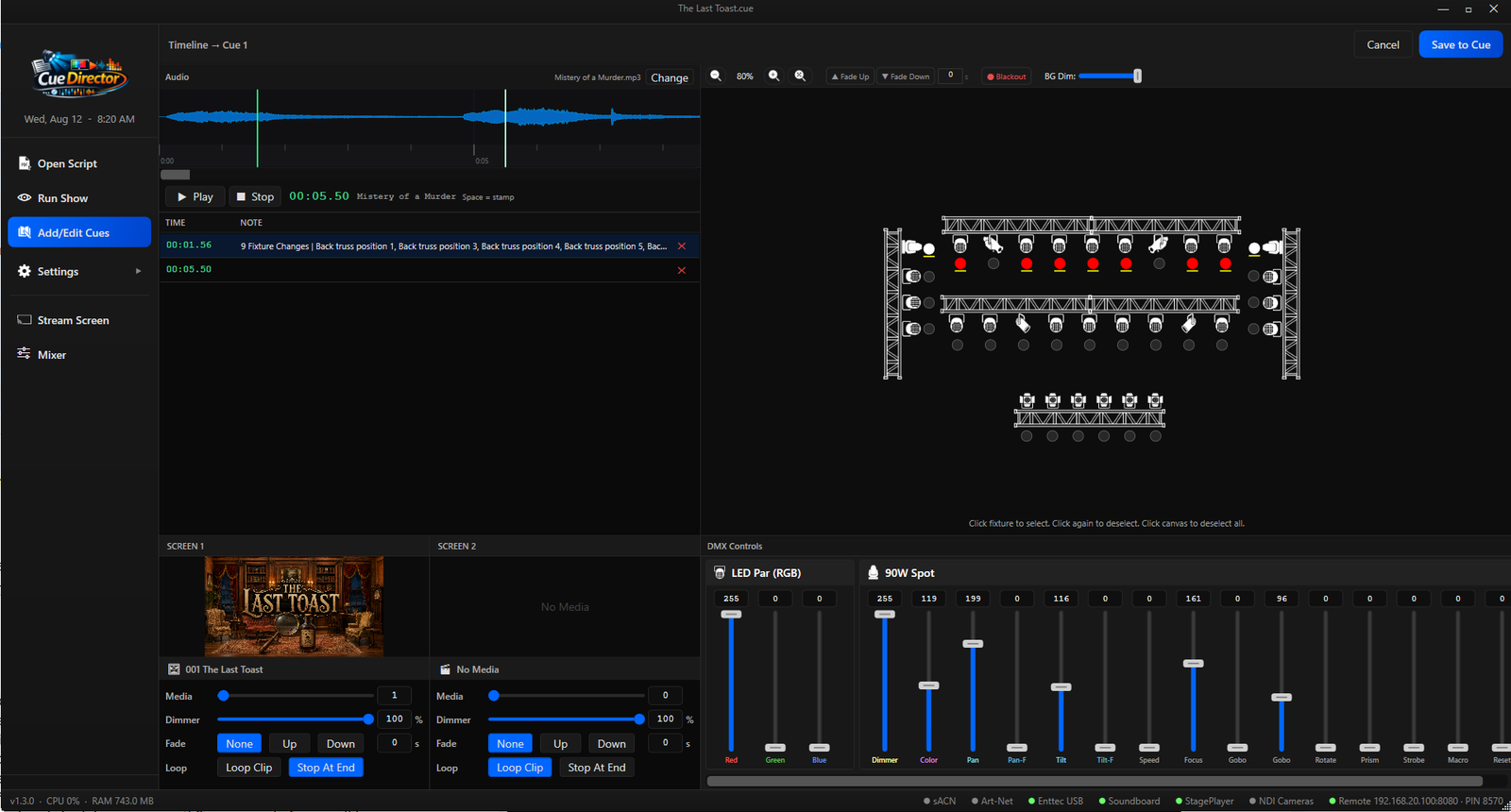
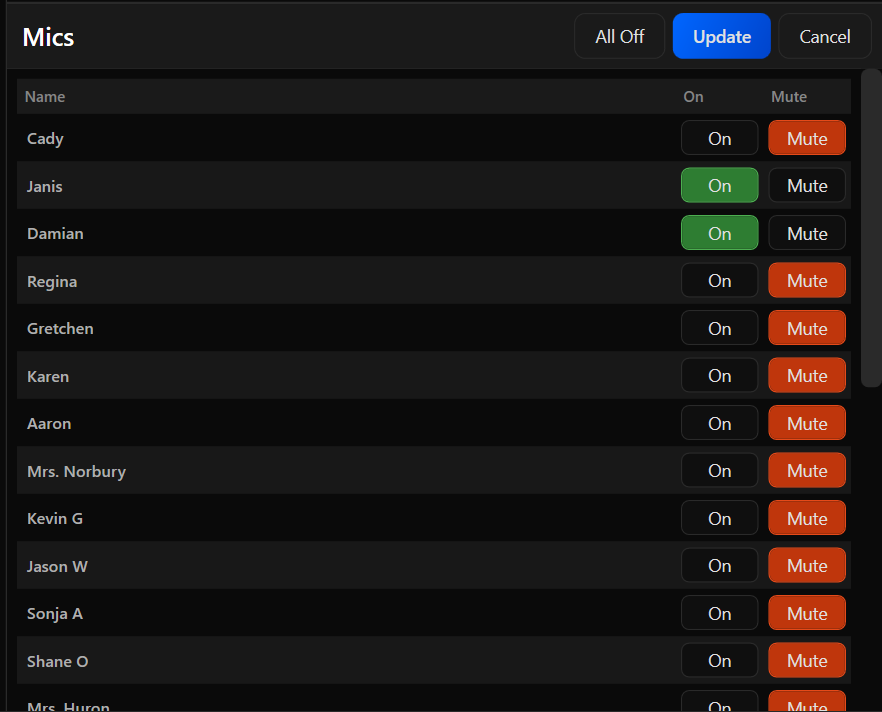
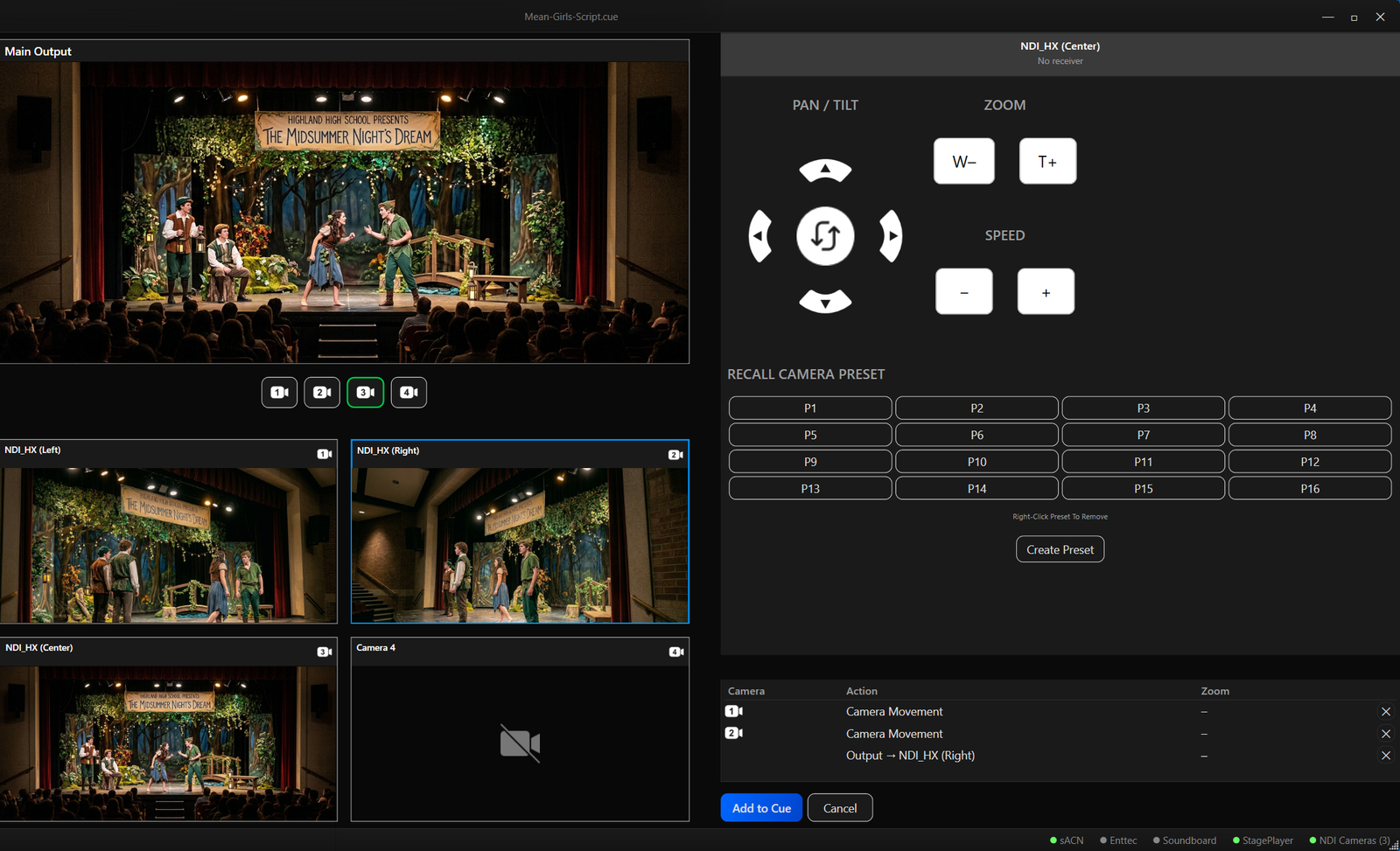
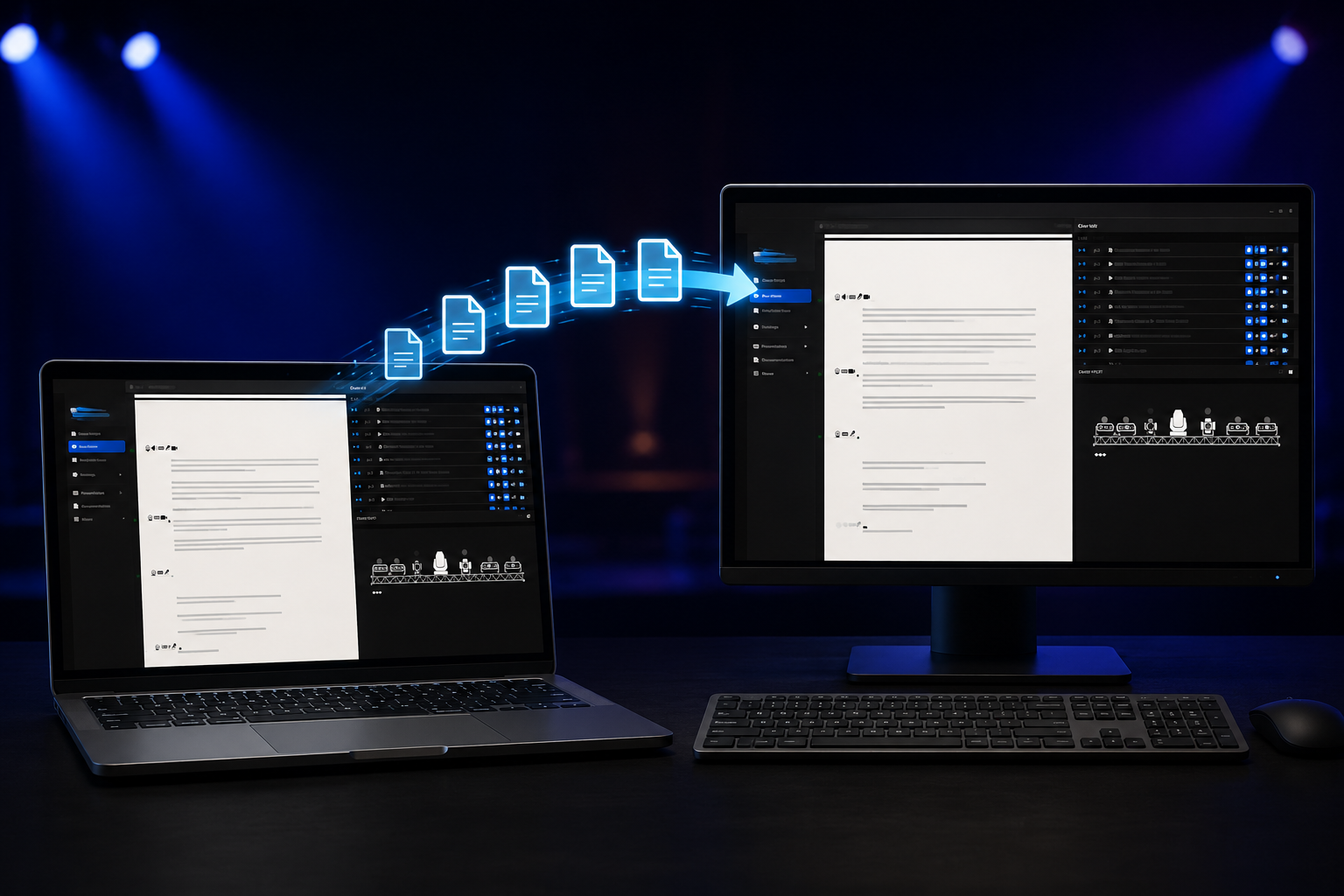
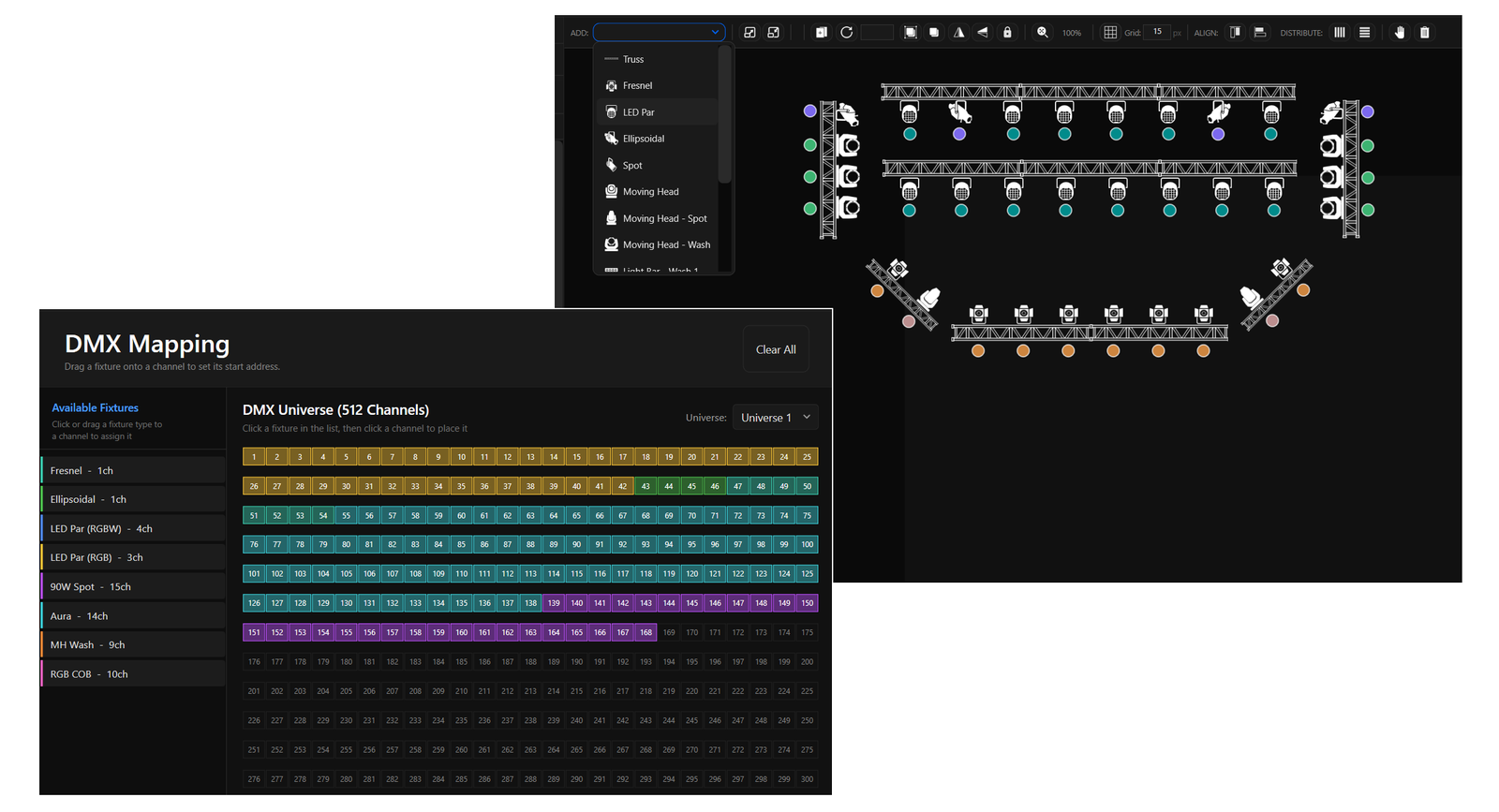
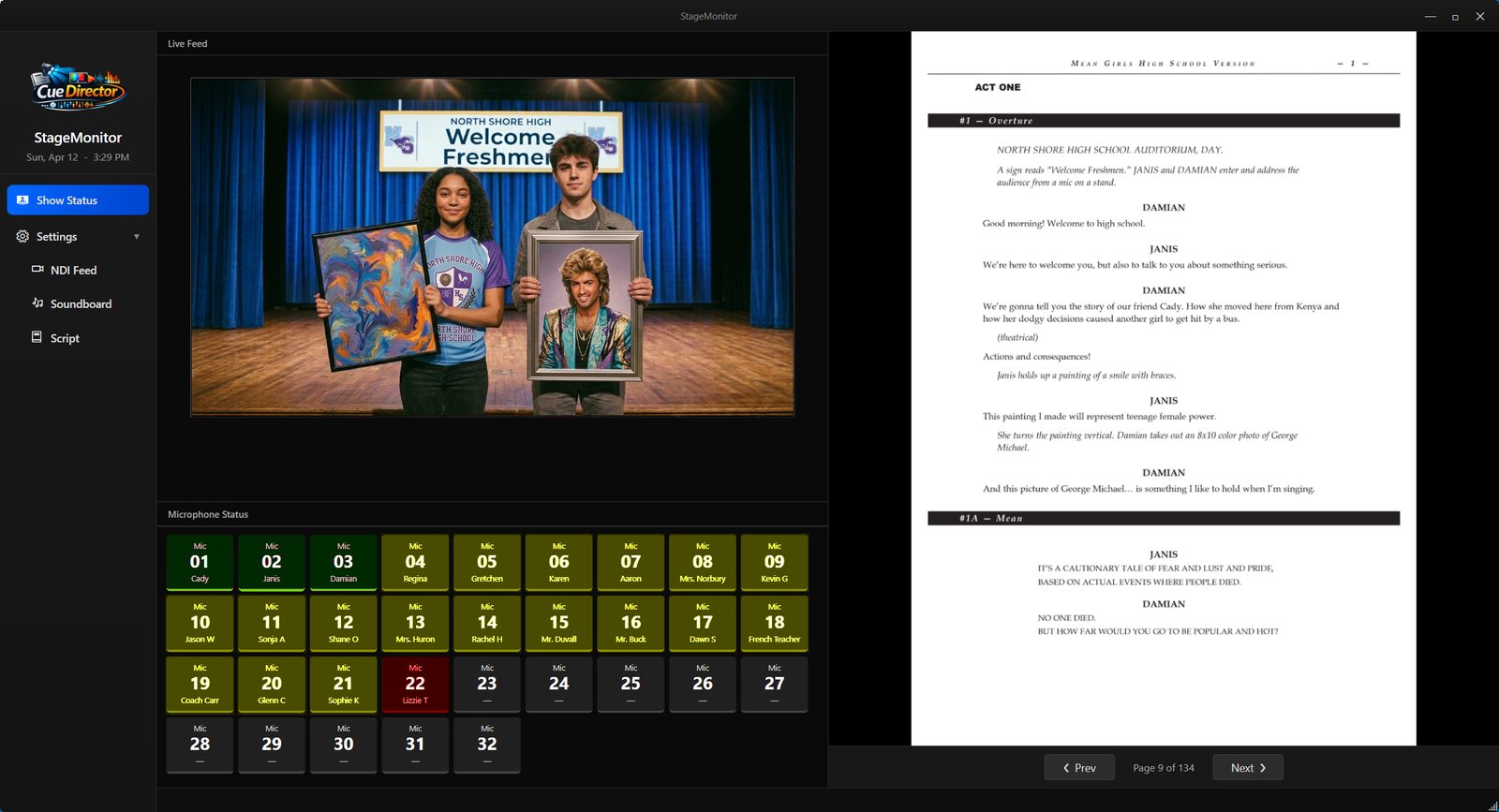
CueDirector's script view puts cue placement exactly where it belongs — in the script itself. Click the moment you want a cue, and CueDirector handles the rest: adding it to the Cue List, assigning a number automatically, and marking the script so your operator always knows precisely when to advance. No separate paperwork, no cross-referencing. Read it your way, too — switch to Scroll Pages for a continuous, fit-to-width view while you build cues, or Page View to see one full page at a time and step through the script a page at a step.